How to fix a WordPress Malware Problem

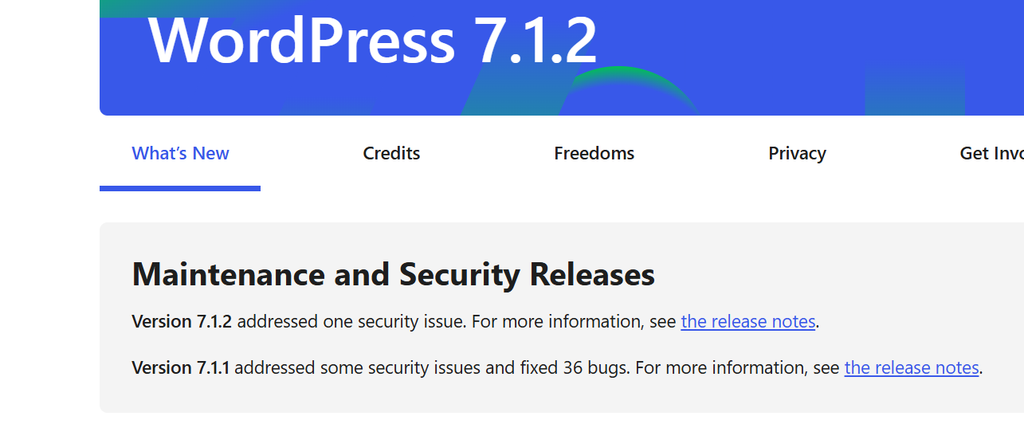
Many of us had problems with vulnarity problems with WordPress, now (October 2th 2026) fixed with WordPress 7.1.2.
But, be aware, you have to fix potential risks too. I myself had problems while using a very old theme.
To avoid this kind of problems, besides upgrading to WordPress 7.1.2 you have to update the theme, remove all the unused themes, update the plugins. And then you will be less vulnerable in the coming months.

So here is a to do list

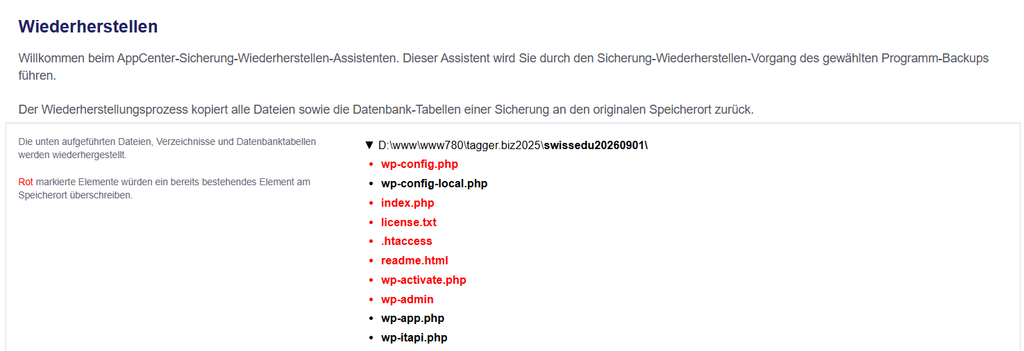
  • Restore a working backup


  • Update to WordPress 7.1.2

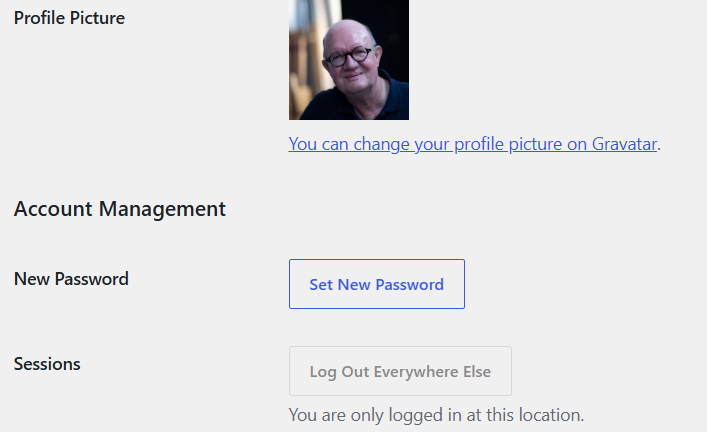
  • Set a new admin password
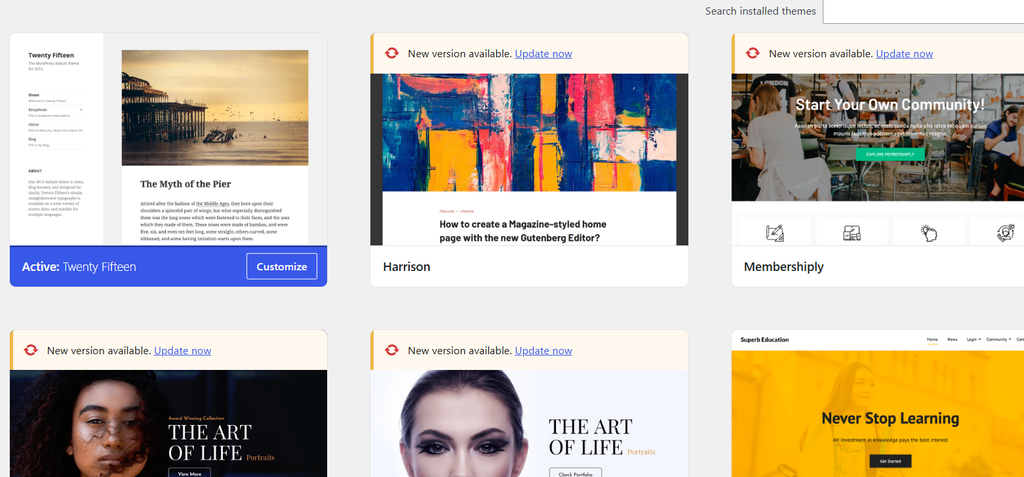
  • update your latest theme and delete all unused themes
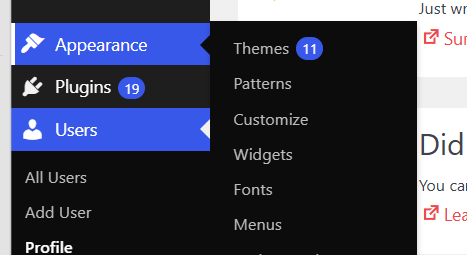
  • IMPORTANT: DELETE ALL UNUSED THEMES
  • Delete all unnecesary plugins
  • update all plugins to the latest version
  • create a new backup
  • you’re done!

TI-84 Python development sample

Preparation (optional)


Get sample code from GITHUB here

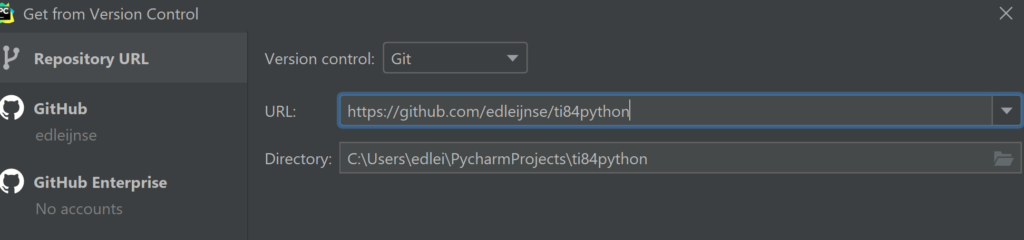
Open Pycharm (or another editor) and create a project from the GITHUB link
Tip: close all projects first

There are 2 files for the mastermind project: MASTR002.PY and test\MASTR002.py
The one in test\ is used for unit tests

Install the emulator software, see howto here

Deploying a .py file on the TI-emulator

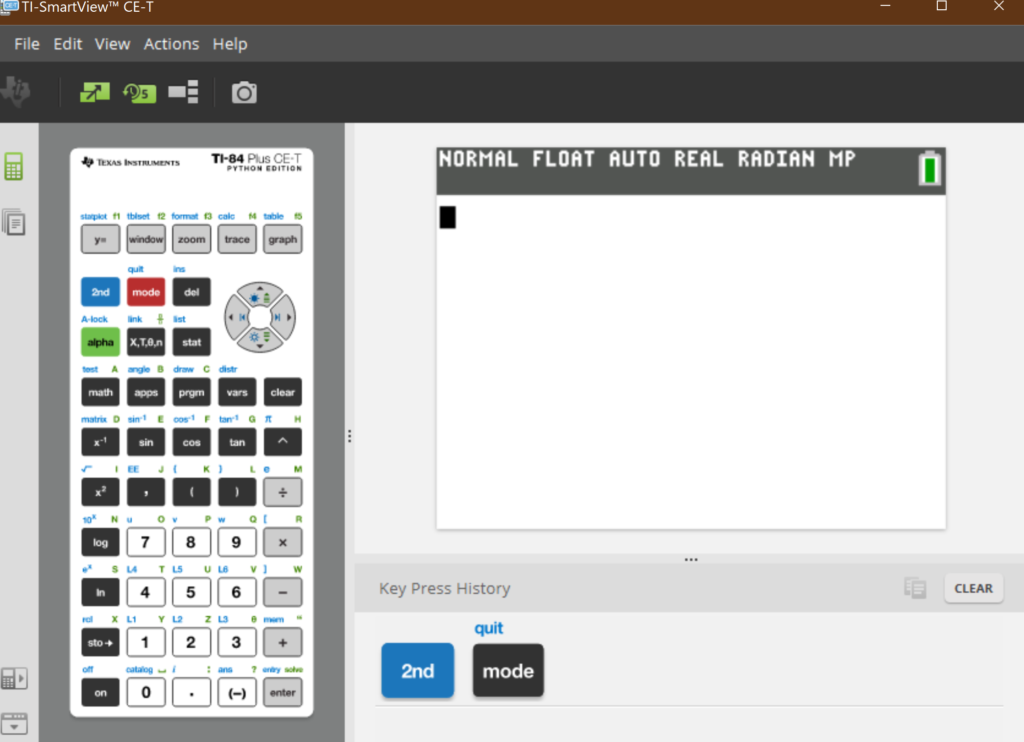
Start the TI-Smartview emulator

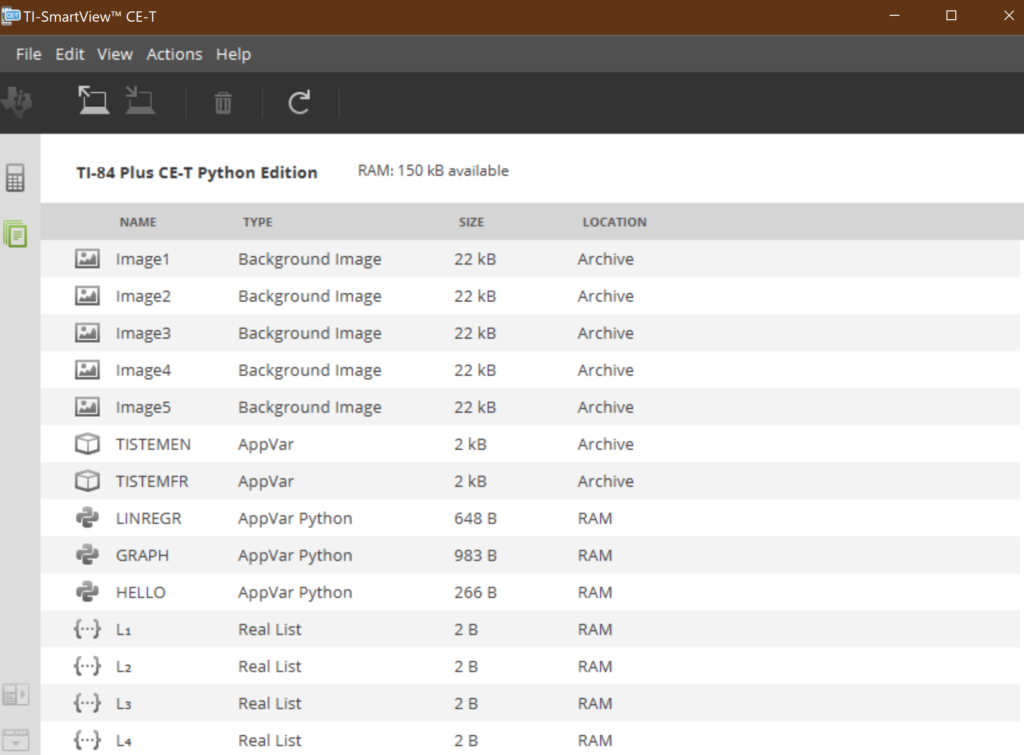
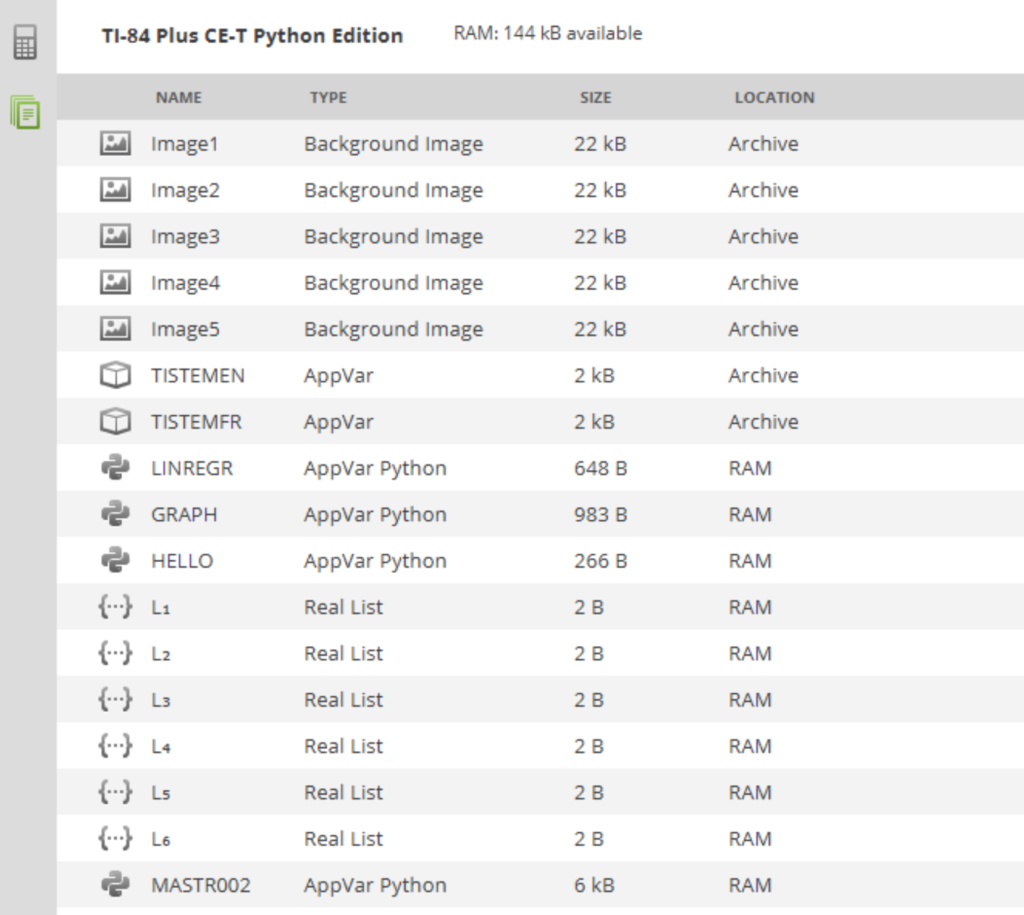
Get the contents

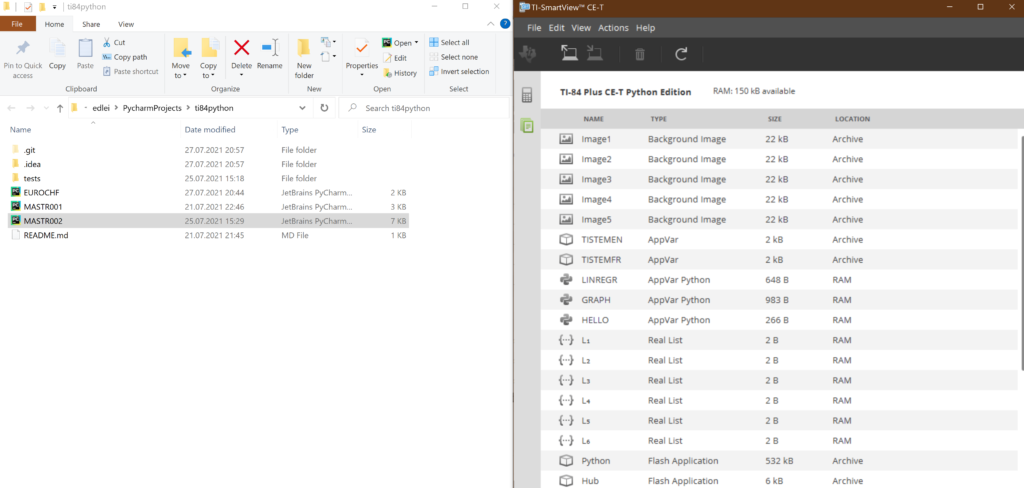
Now you can copy the file MASTR002.PY to the emulator with drag and drop:

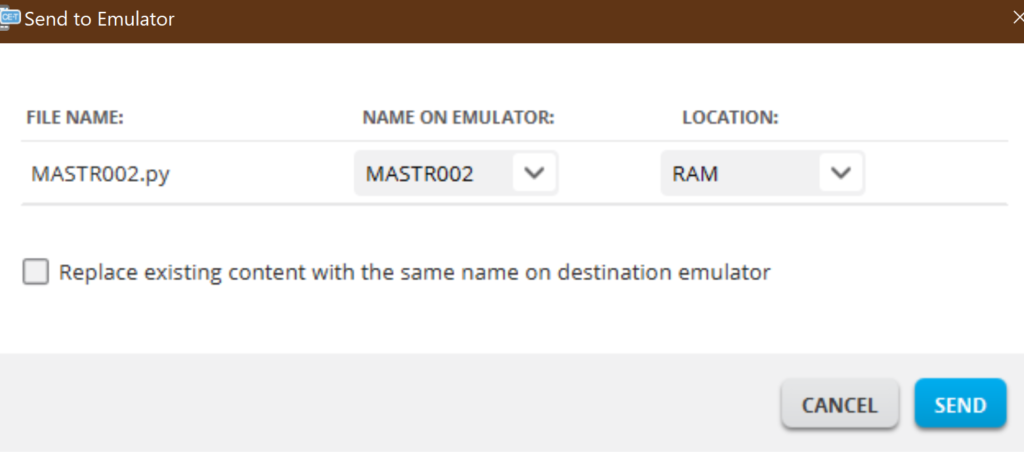
You’ll get the following dialog box:

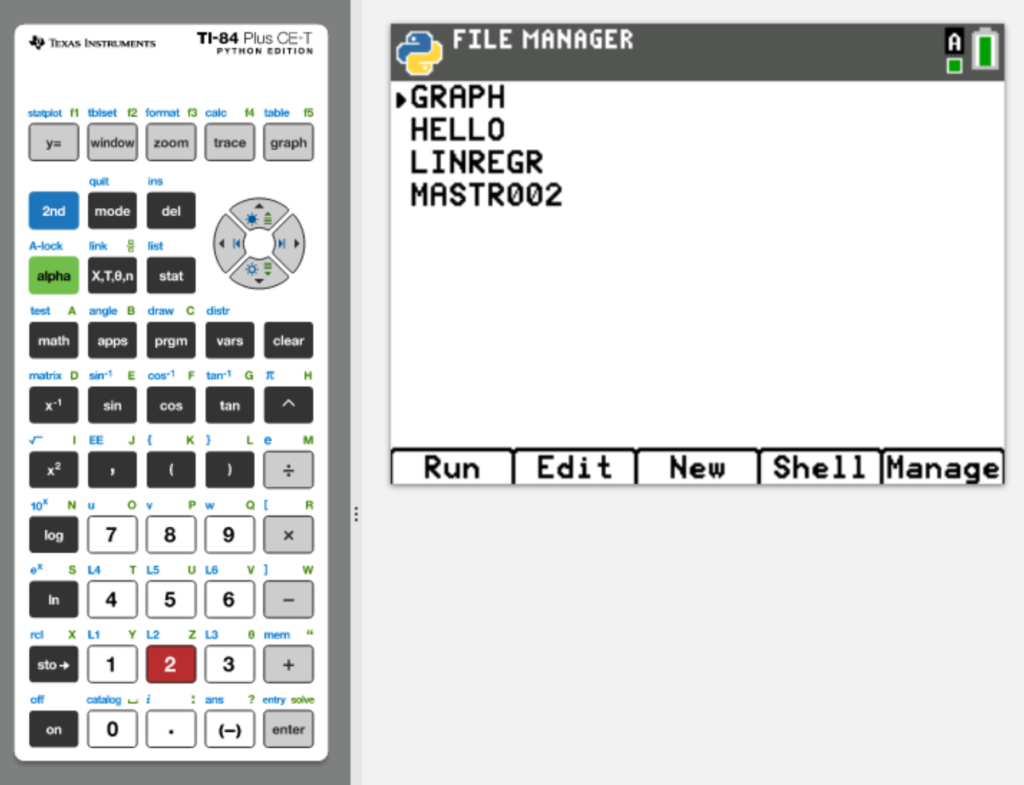
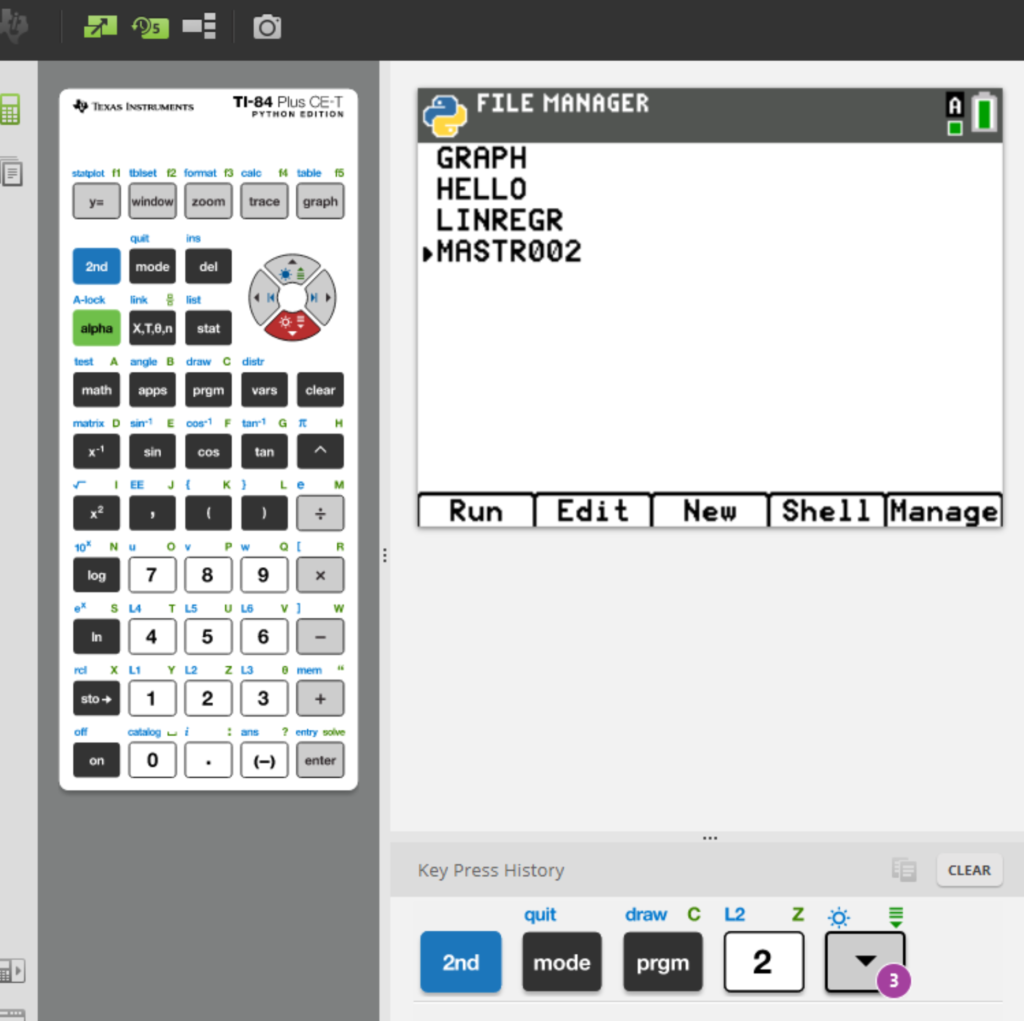
Now the MASTR002.PY is listed and ready to run

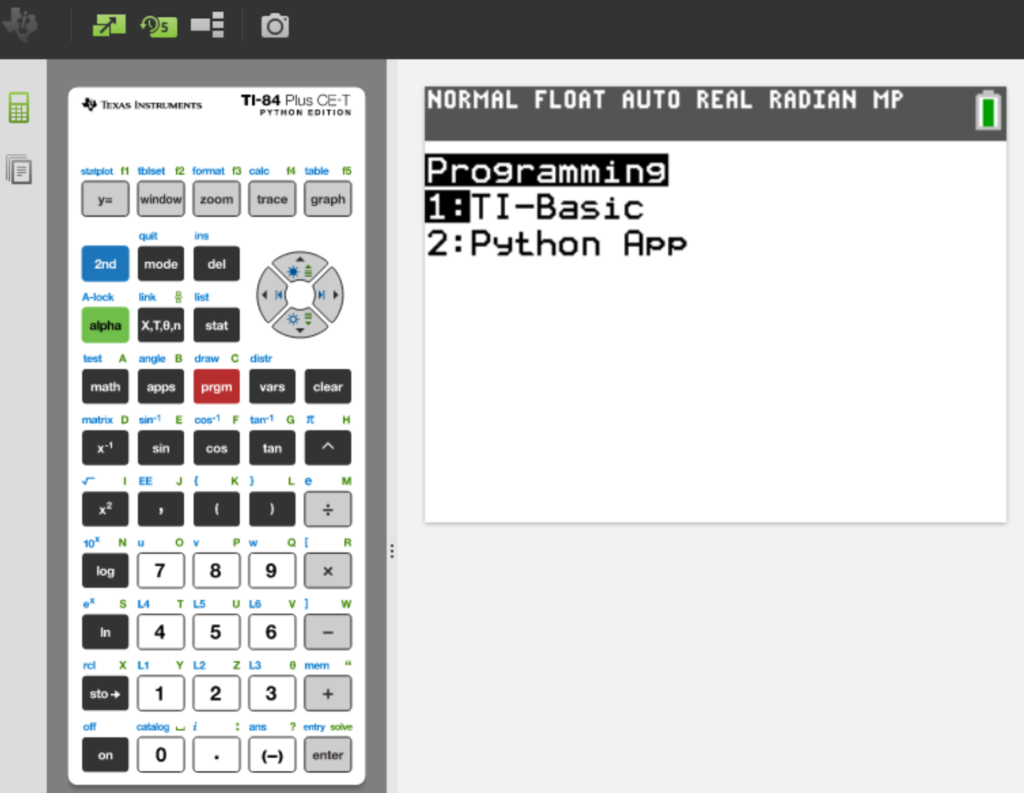
Now you can run MASTR002 on the TI-emulator

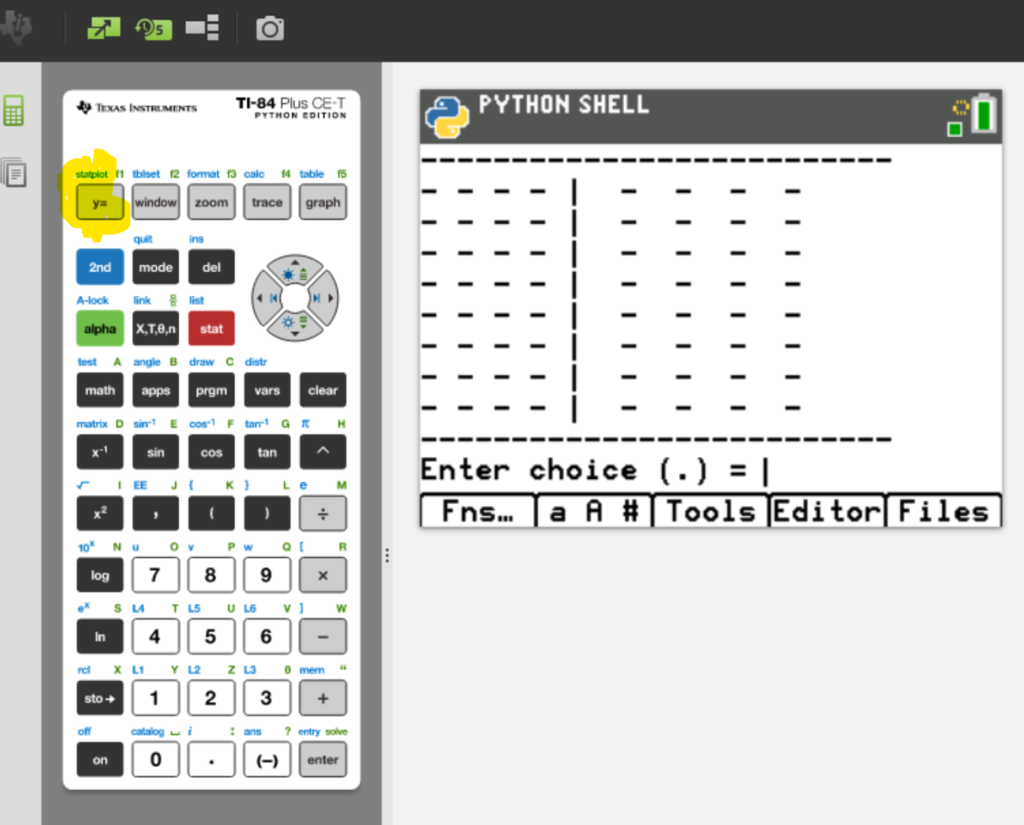
To run the program, click on Y=

Now you can play the game as long as you want!

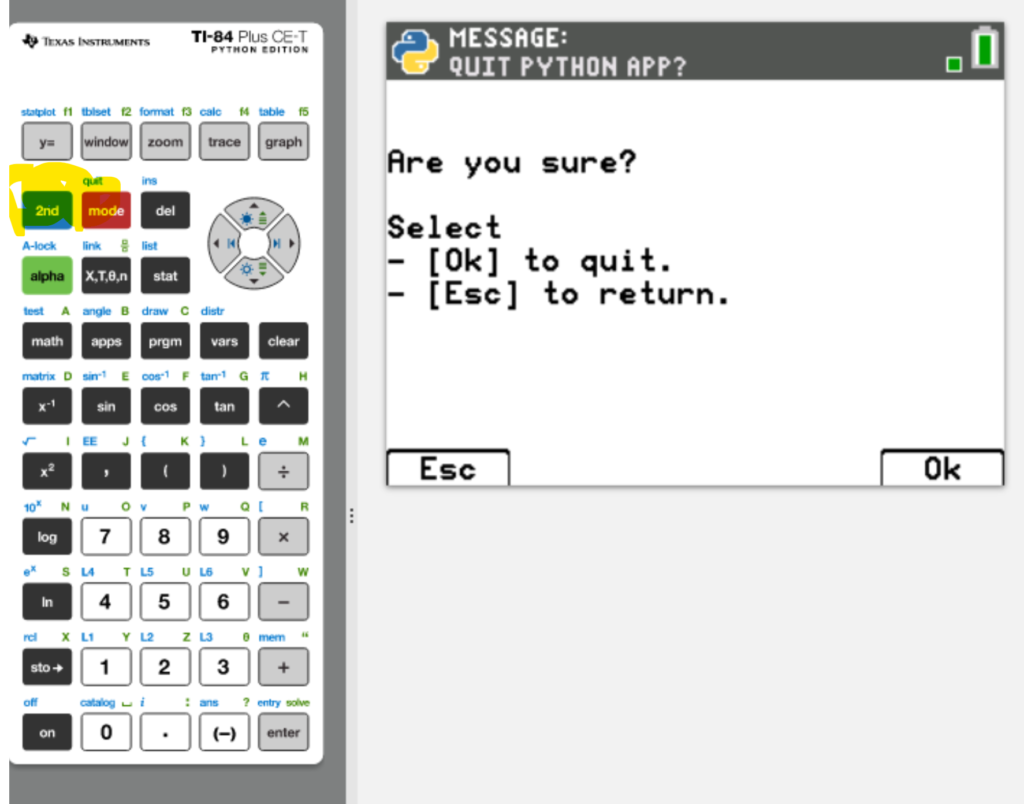
After ending the game you can click 2nd quit

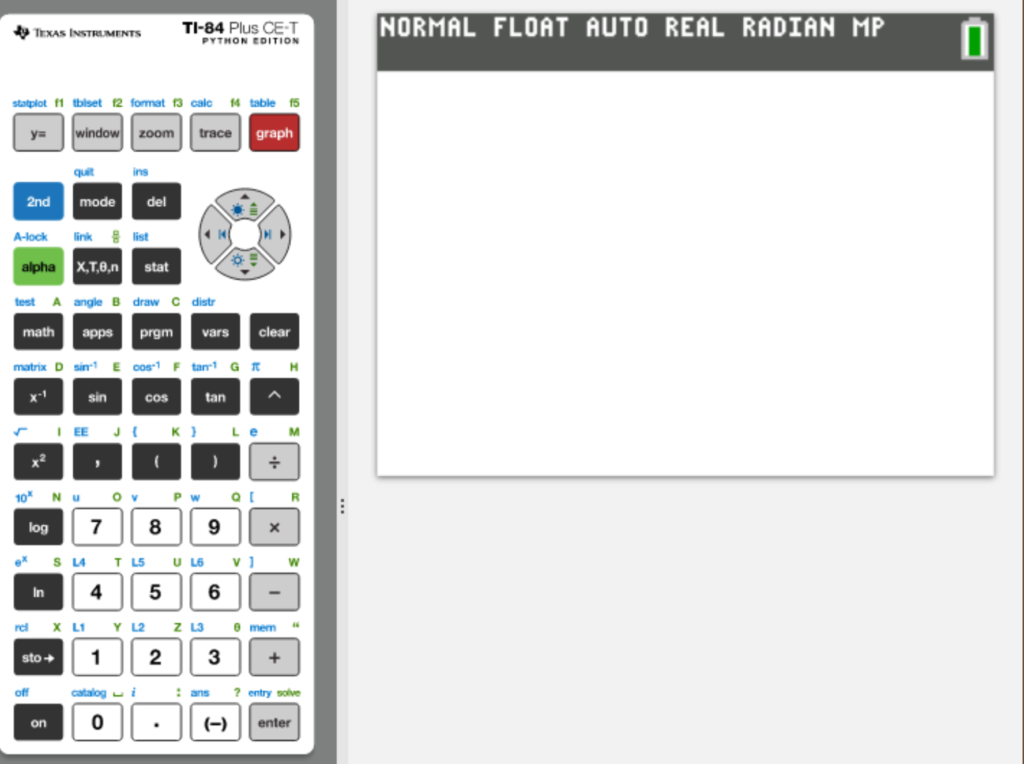
and then GRAPH (red below)