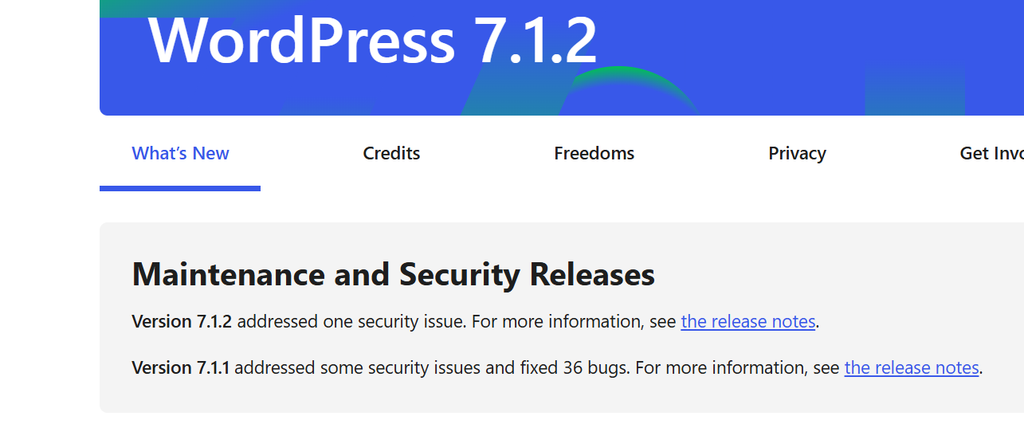
Many of us had problems with vulnarity problems with WordPress, now (October 2th 2026) fixed with WordPress 7.1.2.
But, be aware, you have to fix potential risks too. I myself had problems while using a very old theme.
To avoid this kind of problems, besides upgrading to WordPress 7.1.2 you have to update the theme, remove all the unused themes, update the plugins. And then you will be less vulnerable in the coming months.
So here is a to do list
- Restore a working backup

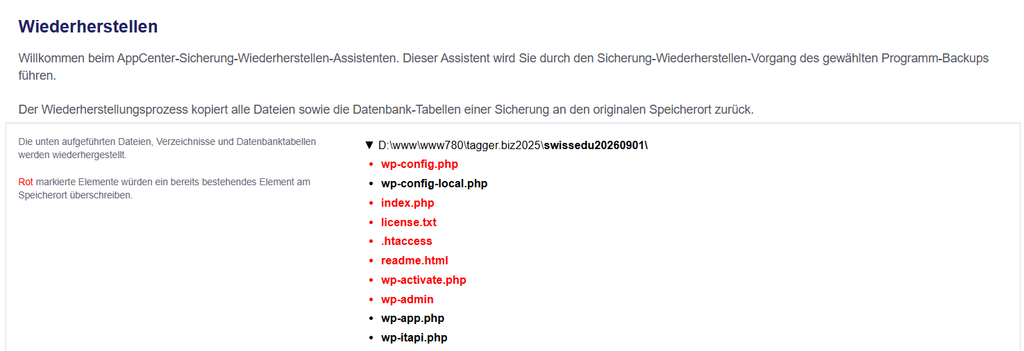
- Update to WordPress 7.1.2

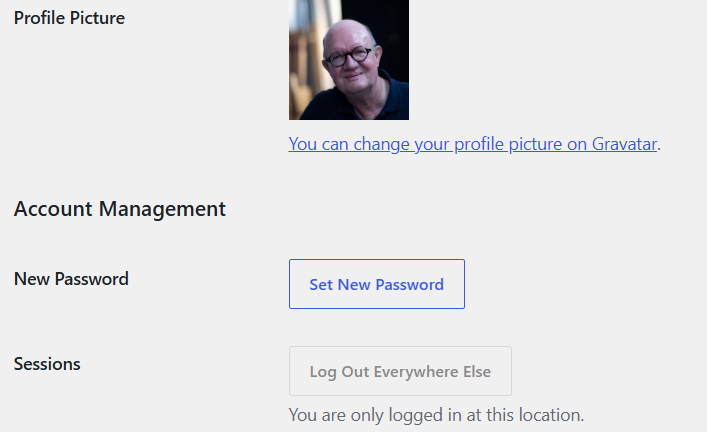
- Set a new admin password
- update your latest theme and delete all unused themes
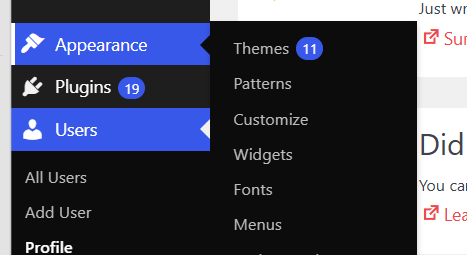
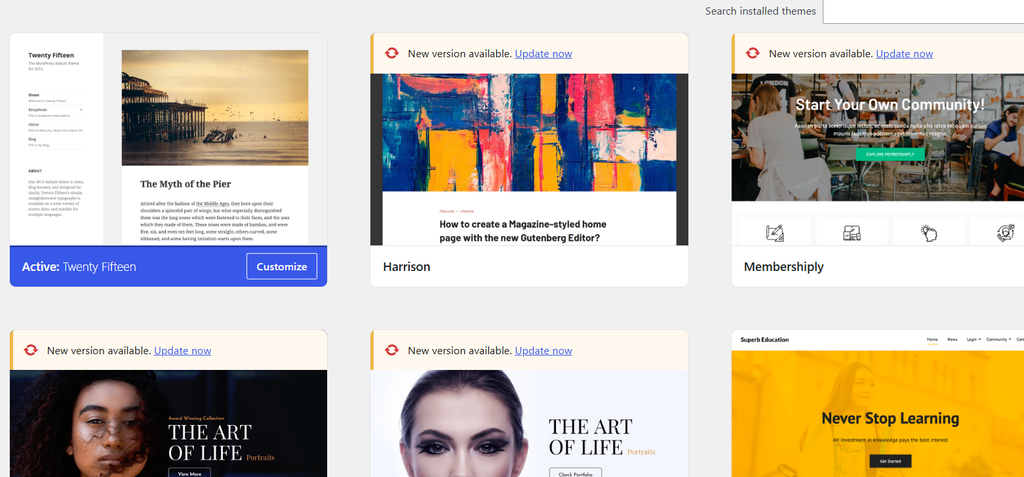
- IMPORTANT: DELETE ALL UNUSED THEMES
- Delete all unnecesary plugins
- update all plugins to the latest version
- create a new backup
- you’re done!
